How to turn your Bicep modules into documentation with bicep docs generate
Turn Bicep modules into Markdown documentation with the experimental docs generate command and customizable Scriban templates.

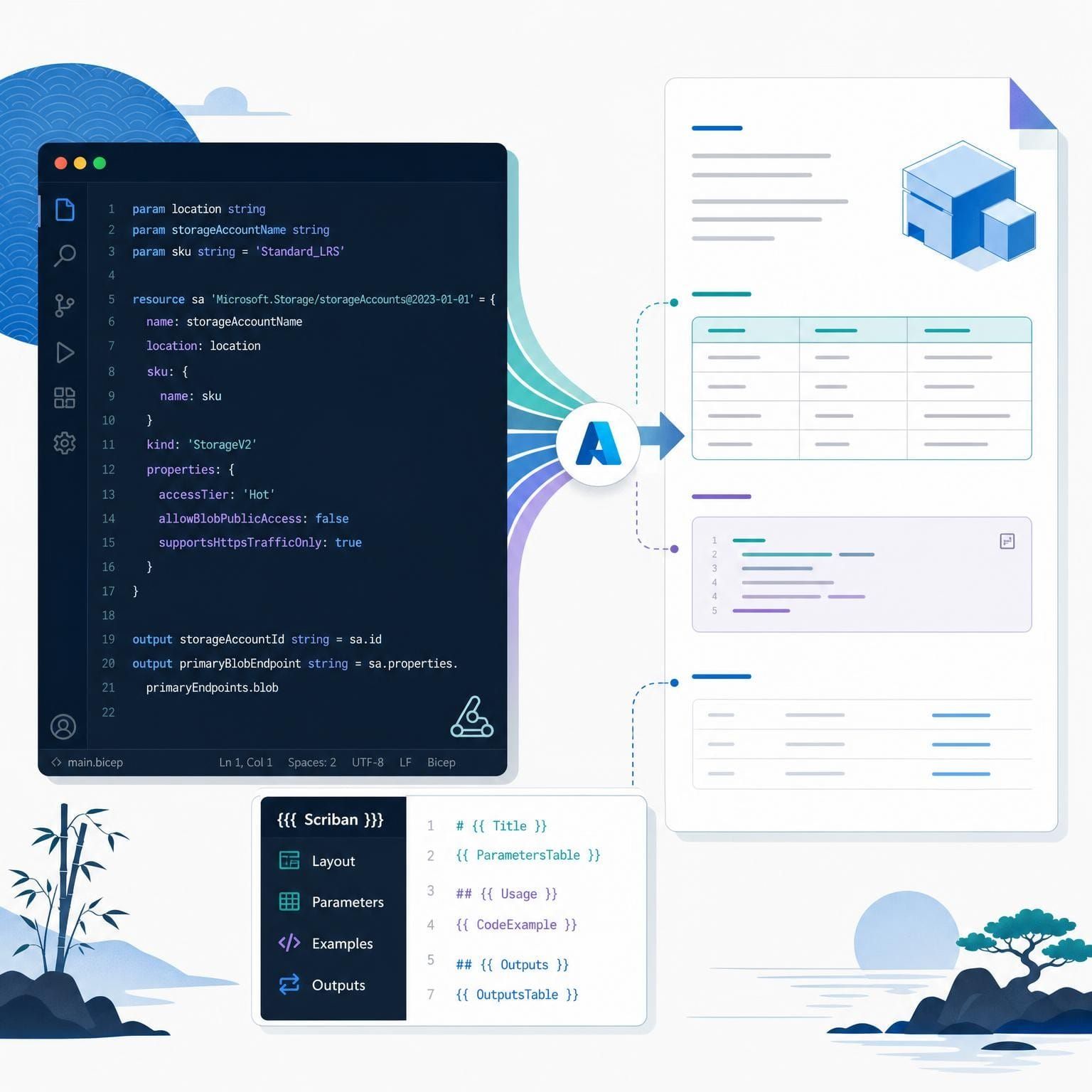
Changing a Bicep parameter takes seconds. Remembering every place that parameter appears in your README is another story.
In my previous post, I looked at the history behind Bicep's new documentation generator and the community tooling that helped us get here. This time, I want to put the command to work. No more background story: let's take a module, generate its documentation, and then make that documentation look the way we want.
The interesting part isn't just getting a parameter table. It's getting that table from the compiler, alongside constraints, examples, and type information, without maintaining another interpretation of your module.
Before you begin
You need a standalone Bicep CLI build that includes the experimental docs command(use v0.47.16 or above). Check availability on your system with:
bicep --version
bicep docs --help
Run this through bicep, not az bicep. The Azure CLI doesn't expose this command group.
[!IMPORTANT]
Documentation generation is experimental. No feature flag is required, but command options, configuration, and template behavior can change. Pin your CLI version if you use it in automation.
You also need a module that compiles successfully. Generating documentation doesn't deploy resources, so you can follow along without creating a storage account in Azure.
1. Give the generator something worth documenting
Create a folder named storage and save the following module as storage/main.bicep:
metadata name = 'Storage Account'
metadata description = 'Deploys a storage account for application data.'

@description('The globally unique storage account name.')
@minLength(3)
@maxLength(24)
param storageAccountName string

@description('The Azure region for the storage account.')
param location string = resourceGroup().location

@description('The storage account SKU.')
@allowed(['Standard_LRS', 'Standard_GRS', 'Standard_ZRS'])
param skuName string = 'Standard_LRS'

resource storageAccount 'Microsoft.Storage/storageAccounts@2023-05-01' = {
  name: storageAccountName
  location: location
  kind: 'StorageV2'
  sku: {
    name: skuName
  }
  properties: {
    supportsHttpsTrafficOnly: true
    minimumTlsVersion: 'TLS1_2'
    allowBlobPublicAccess: false
    allowSharedKeyAccess: false
  }
}

@description('The resource ID of the storage account.')
output storageAccountId string = storageAccount.id
The metadata supplies the document's title and introduction. Parameter and output descriptions become reference text, while decorators provide constraints. Required status comes from whether a parameter has a default value, not from wording you put in its description.
The resource disables anonymous blob access and shared-key authorization and requires HTTPS. It's deliberately small, not a complete production networking design.
This is also where useful documentation starts. The generator can expose what the compiler knows, but it can't explain your design decisions unless you write them down.
2. Generate and inspect the Markdown
From the parent folder, run:
bicep docs generate ./storage/main.bicep
The command creates storage/README.md. An experimental warning on standard error is expected.
The built-in document includes navigation, resource types, parameters, and outputs. Here's a shortened excerpt, with navigation, resource types, and some parameter details omitted:
# Storage Account

Deploys a storage account for application data.

## Parameters

| Name | Type | Required | Description |
| :-- | :-- | :-- | :-- |
| `location` | `string` | No | The Azure region for the storage account. |
| `skuName` | `string` | No | The storage account SKU. |
| `storageAccountName` | `string` | Yes | The globally unique storage account name. |

### `skuName`

- Default value: `'Standard_LRS'`

- Allowed values: `Standard_GRS`, `Standard_LRS`, `Standard_ZRS`

### `storageAccountName`

- Min length: 3

- Max length: 24

## Outputs

| Name | Type | Description |
| :-- | :-- | :-- |
| `storageAccountId` | `string` | The resource ID of the storage account. |
Notice that parameters are sorted by name rather than declaration order. The allowed values and length constraints also come directly from the module.
More complex modules expose nested properties and discriminated union cases. Exported types, variables, and functions get their own sections when present. You aren't limited to the information that survives compilation into an ARM template.
To preview without touching an existing README, use:
bicep docs generate ./storage/main.bicep --stdout
Or choose an explicit destination:
bicep docs generate ./storage/main.bicep --outfile ./docs/storage.md
[!TIP]
Treat the generated file as output, not the source of truth. Successful regeneration replaces its contents. Keep handwritten guidance in your source descriptions or template fragments instead.
3. Include an example people can copy
A parameter table explains the interface. An example shows someone how to use it.
Save this as storage/examples/minimal.bicep:
metadata name = 'Minimal deployment'
metadata description = 'Uses the default region and storage SKU.'

module storage '../main.bicep' = {
  params: {
    storageAccountName: 'stcontosominimal'
  }
}
Run the generation command again. The README now includes a Usage Examples section with the heading Example 1: Minimal deployment, its description, and the example's Bicep source in a code block. Readers should replace the sample account name with a globally unique value before deployment.
By default, discovery includes top-level Bicep files and nested main.bicep files under examples, plus *.test.bicep files anywhere under tests. Dependency files matching dependencies*.bicep are excluded.
Literal metadata name and metadata description declarations give examples readable titles and descriptions. Examples are ordered by their relative paths. Discovery includes source text; don't mistake its appearance in the README for proof that an example has been deployed or tested.
4. Make the output yours with Scriban
The default layout is useful, but your repository might need ownership details, different headings, or a shorter reference section.
Bicep uses Scriban, a .NET text-templating engine. Plain text passes through unchanged. Expressions inside {{ ... }} insert values, while loops and conditionals control what gets rendered. You don't need to install Scriban separately.
Crucially, the template doesn't parse Bicep. It receives a structured module object built from the compiler's semantic model. That separates understanding the language from deciding how the documentation looks.
Create templates/readme.scriban alongside the storage folder:
# {{ module.name }}

{{ module.description }}

Owner: {{ custom.owner }}

## Parameters
{{~ for parameter in module.parameters ~}}
- `{{ parameter.name }}` ({{ parameter.type }}{{ if parameter.required }}, required{{ end }}): {{ parameter.description }}
{{~ end ~}}

## Outputs
{{~ for output in module.outputs ~}}
- `{{ output.name }}` ({{ output.type }}): {{ output.description }}
{{~ end ~}}
Here, module.parameters and module.outputs are collections. The conditional adds “required” only where appropriate. The ~ markers trim surrounding whitespace so control statements don't leave unwanted blank lines.
Select the template with a bicepconfig.json in the parent folder:
{
  "documentation": {
    "template": {
      "file": "templates/readme.scriban",
      "includeRoot": "templates"
    }
  }
}
Both paths resolve relative to that configuration file. Each module uses its nearest configuration, so a nested configuration can change which documentation settings apply.
Now render with an ownership value:
bicep docs generate ./storage/main.bicep --stdout --custom-template-value "owner=Platform Team"
The custom template produces:
# Storage Account

Deploys a storage account for application data.

Owner: Platform Team

## Parameters
- `location` (string): The Azure region for the storage account.
- `skuName` (string): The storage account SKU.
- `storageAccountName` (string, required): The globally unique storage account name.

## Outputs
- `storageAccountId` (string): The resource ID of the storage account.
This replaces the built-in layout entirely. Our intentionally short template doesn't render constraints or examples, even though they're still available in the model. For a full replacement, also consider module.resourceTypes, module.exportedTypes, and module.usageExamples.
5. Reuse content without editing generated files
Scriban includes let you keep shared guidance outside the generated document. For example, save support instructions in templates/_support.md and add this to your template:
{{ include "_support.md" }}
The configured includeRoot makes Scriban look in the templates folder. Without it, includes resolve from each module's folder, not automatically from the template's location.
For more custom values, pass --custom-template-value repeatedly or use --custom-template-value-file-path with a JSON object whose values are strings. Values are processed in command-line order; the last value for a key wins.
Use these values for information the compiler can't supply, such as ownership or support links. Keep parameter descriptions in Bicep rather than duplicating them in template configuration.
6. Generate documentation across a repository
Once the single-module output looks right, use a glob:
bicep docs generate --pattern './modules/**/main.bicep' --outdir ./docs
A module at modules/storage/main.bicep produces docs/storage/README.md. Without --outdir, each document is written beside its module. The directory option preserves the configured output filename; --outfile selects an exact path for one module.
In CI, regenerate documentation and check for changes to committed output. Pinning the CLI and keeping templates in source control makes those diffs easier to review.
Compilation failures return a nonzero exit code. Bulk generation continues past modules with compilation errors, but setup, rendering, or write failures stop the command. A compile or render failure doesn't replace an existing document for that module.
For long-running tooling, bicep/generateDocs also exposes generation through JSON-RPC, with a .NET wrapper in Azure.Bicep.RpcClient. It returns content rather than writing files.
Summary
Start with metadata and meaningful descriptions, generate the default Markdown, and add examples that show how to consume the module. Then introduce Scriban only where your documentation needs a different layout or additional context.
For me, that's the useful shift: keep the facts with the Bicep code, keep presentation in a template, and stop manually synchronizing the two. The command is experimental, but an existing module is a good place to try it and give feedback.